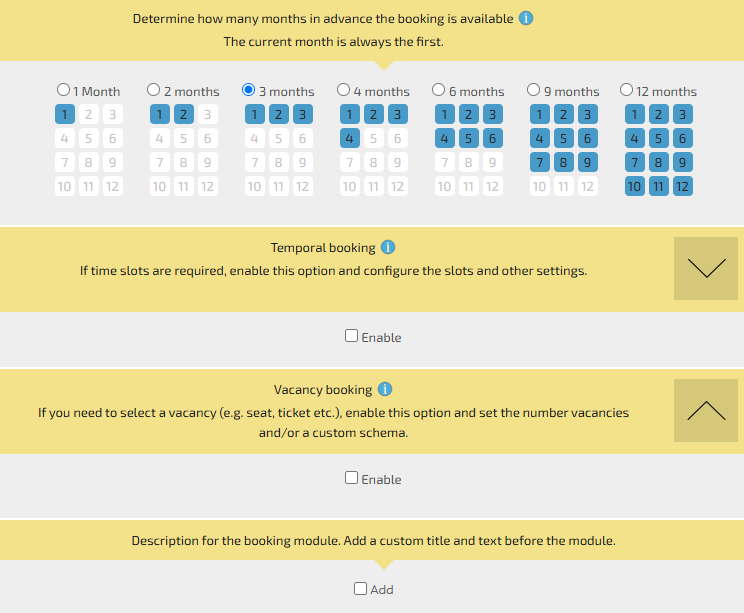
To create a calendar module, you don’t need to select time slots or specify available spots.
The module’s logic involves selecting the day on which the object is available (for example, a house for rent).
In the “Module Settings” section, you can specify whether the booking is available for just one day or multiple days, whether there are days off, and other details.