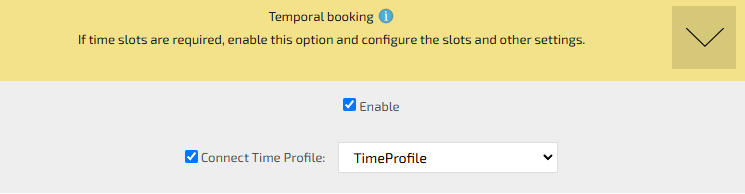
When creating a time-based booking module, you need to select the “Enable” checkbox in the “Time-Based Booking” section.
The system will show time intervals (15 minutes, 20 minutes, 30 minutes, 1, 2, and 3 hours).
You also need to select the working hours mode (by adjusting the slider left or right).
Based on the user’s settings, 3bookers automatically generates time slots.
If the default time slots do not suit you, you can customize them in the “time-profile” section.
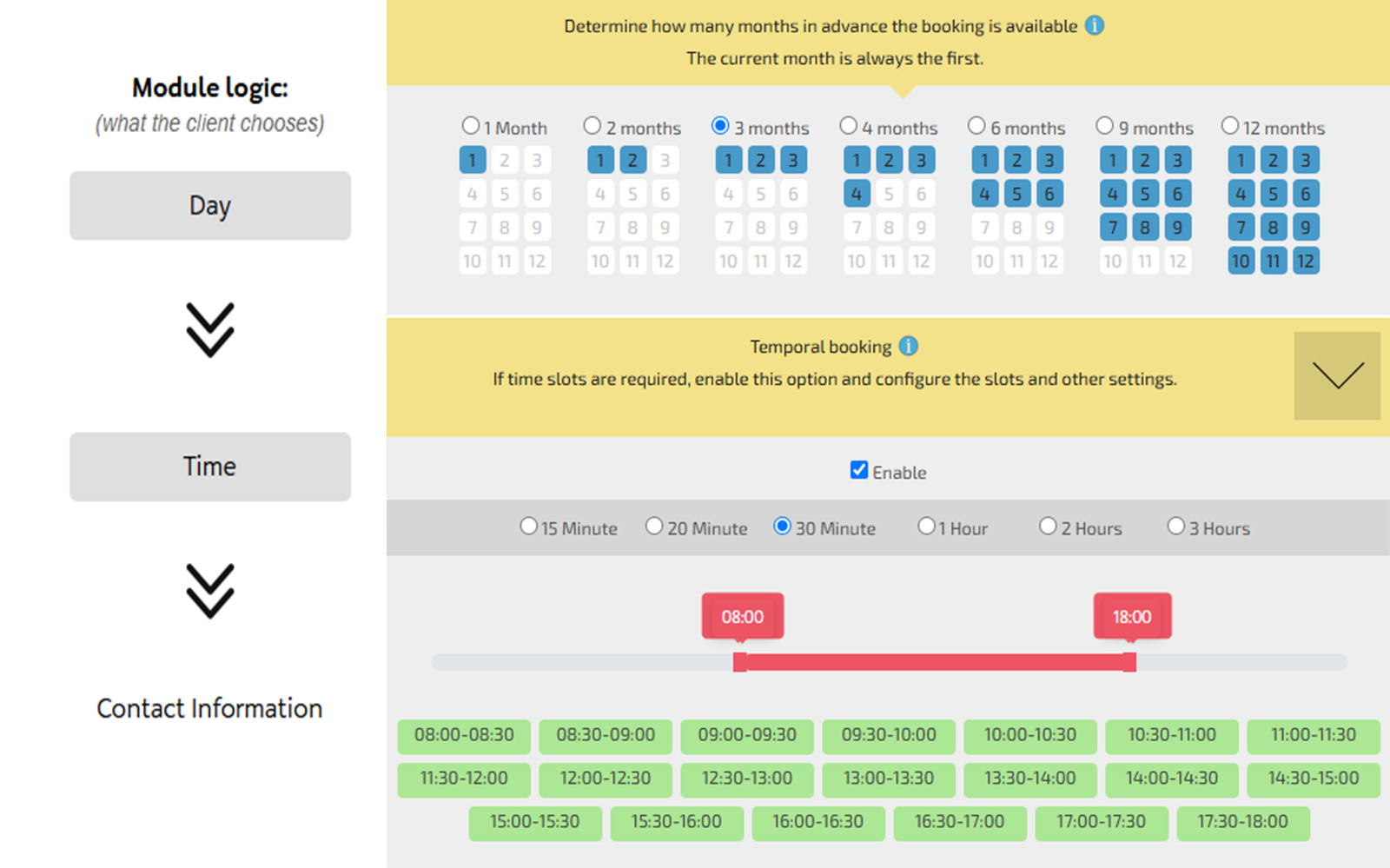
3bookers allows you to configure slots of any duration, even as short as 1 minute. Once you set up a “New time-profile” and save it, 3bookers will automatically apply it to the time-based module.