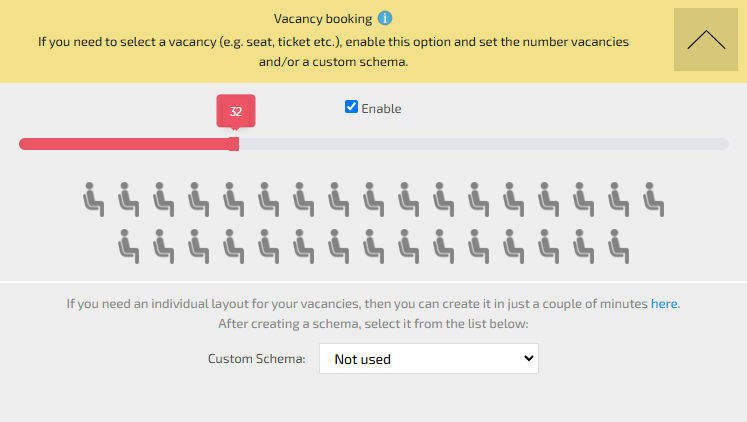
To create a module, check the “Enable” box under the “Vacancy-Based Booking” description. By default, 3bookers uses the “Passenger” icon, but this can be changed in the settings.
The number of vacant spots, ranging from 2 to 100, can be adjusted using a slider. By default, 3bookers sets 10 vacant spots.
The icon style can be modified in the “Settings” menu, where you can also specify how many spots a client can book at once: 1 or more.
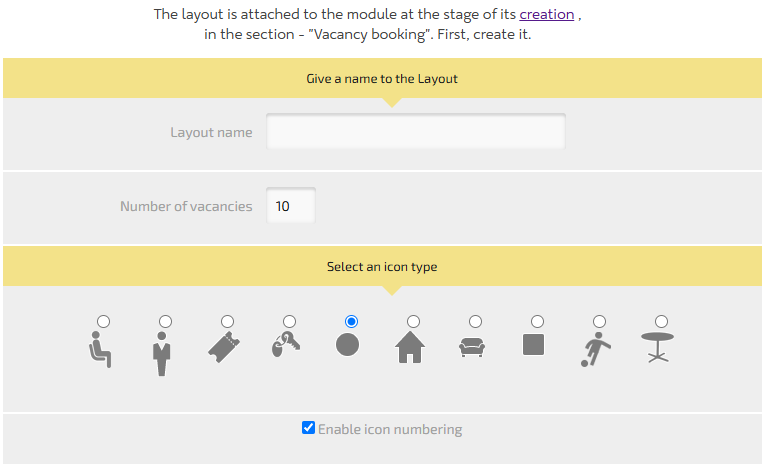
In the “Layout Scheme” menu, 3bookers allows you to create custom layouts. These layouts enable you to configure bookings for bus tickets, appointments with a specialist, cinema seats, car rentals, equipment, apartments, and more.
Note that the layout scheme is linked to the vacancy-based booking module. If it doesn’t exist, you’ll need to create one first.