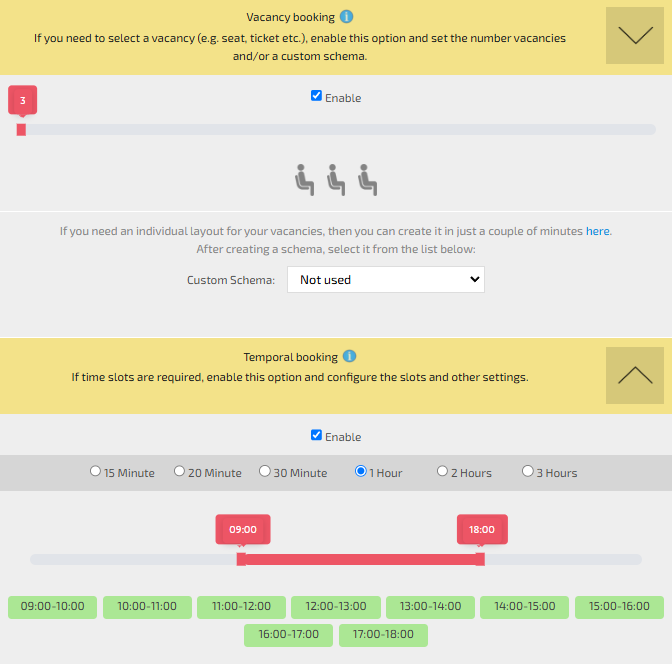
You need to check the “Enable” boxes in both the “Vacancy-Based Booking” and “Time-Based Booking” settings.
In the “Vacancy-Based Booking” section, specify the number of spots or link a “Layout Scheme.”
Then, in the “Time-Based Booking” section, set the time slots. If the default options are insufficient, you can create custom “Time Profiles.”
The appearance of the icon (default is “Passenger”) can be customized through the module settings.