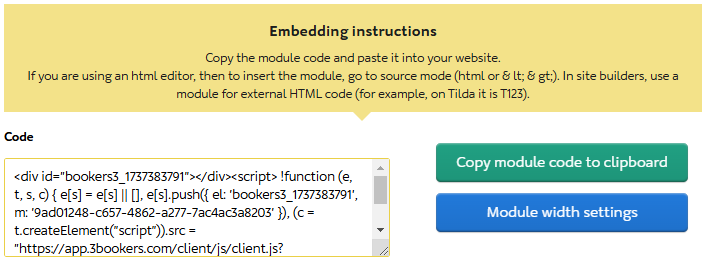
Changing the module structure (number of months, toggling/changing vacancy or time-based types) results in changes to the module code. You must save the updates, then generate new code and insert it into your website or social media page.
Created modules are located in the “My Modules” tab. To make changes, click “Edit Module.”
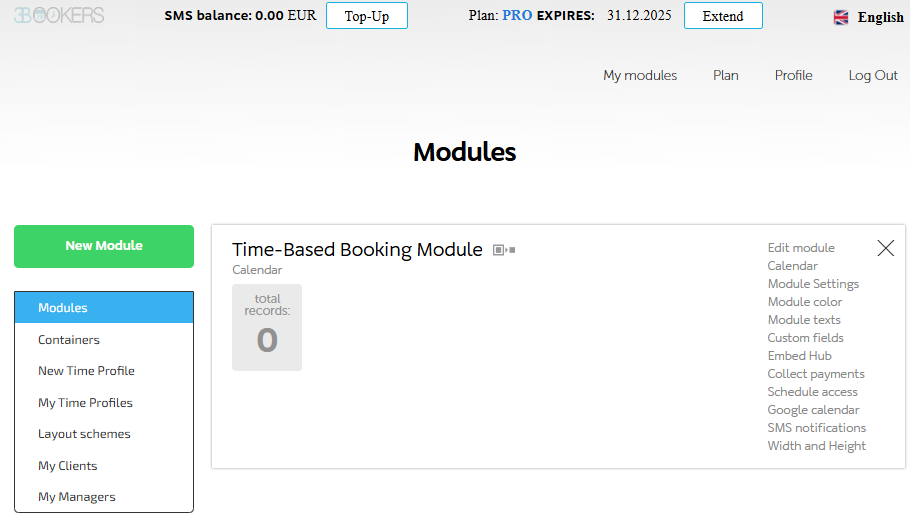
You can create a copy and work with it. To do this, click on the gray icon next to the module name.
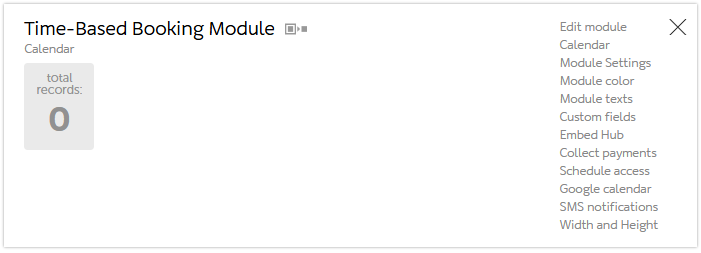
When editing, you can change:
- The website address (social media page) where the payment form will be located.
- The name.
- The theme (light or dark).
- The booking period (1 month, 2, 3, or more).
- The booking type (time-based, vacancy-based).
- The title and additional description that clients will see.
After saving the settings and specifying the width, the code for embedding on the site will appear. You need to copy it and paste it into the page’s source code (html or <>).